

Losing important files is really frustrating for any computer user. Whether it is a deleted document, lost photos or corrupted project data the impact can be serious. The good news is that Windows file recovery tools have made it possible to retrieve lost data in cases.
When files are deleted they are not immediately erased from the storage device. The system simply marks the space as available for reuse. Until that space is overwritten, recovery is often possible using tools.
In this article we will explore the 5 free Windows file recovery tools. We will look at their features, advantages, limitations and ideal use cases so you can choose the tool for your needs.
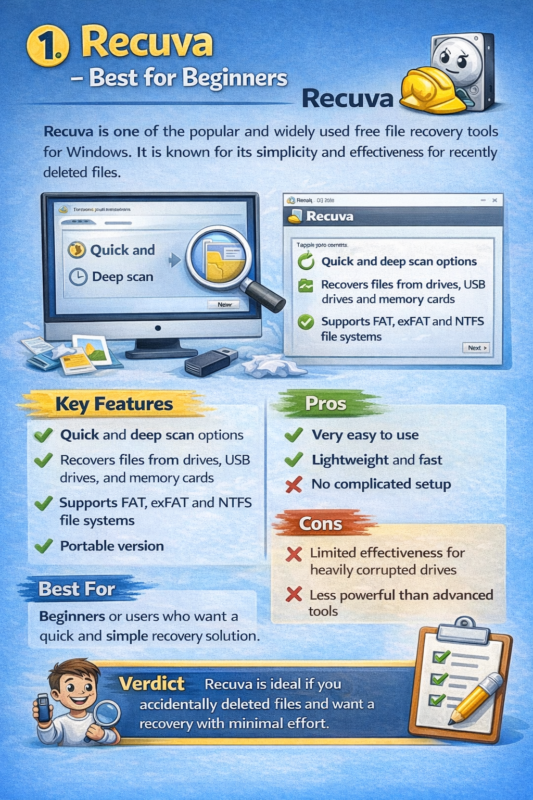
1. Recuva – Best for Beginners
Recuva is one of the popular and widely used free file recovery tools for Windows. It is known for its simplicity and effectiveness for recently deleted files.
Key Features
* Quick and deep scan options
* Recovers files from drives, USB drives and memory cards
* Supports FAT, exFAT and NTFS file systems
* Portable version
Pros
* Very easy to use
* Lightweight and fast
* No complicated setup
Cons
* effectiveness for heavily corrupted drives
* Powerful than advanced tools
Best For beginners or users who want a quick and simple recovery solution.
Verdict
Recuva is ideal if you accidentally deleted files and want a recovery with minimal effort.
2. Disk Drill – Best for User-Friendly Experience
Disk Drill is a recovery tool that offers a modern interface and advanced recovery features. It supports a range of file types and storage devices.
Key Features
* Supports hundreds of file formats
* File preview before recovery
* Recovery probability indicators
* Works on drives and SD cards
Pros
* Clean and intuitive interface
* Good for recovering formatted or corrupted data
* Cross-platform support
Cons
* Free version has a recovery limit
* Deep scans can be slow
Best For users who want a guided recovery process with advanced features.
Verdict
Disk Drill strikes a balance between usability and power making it great for both beginners and intermediate users.
3. EaseUS Data Recovery Wizard Free – Best for Guided Recovery
EaseUS Data Recovery Wizard Free is one of the user-friendly tools available. It uses a step-by-step wizard to guide users through the recovery process.
Key Features
* Quick and deep scan modes
* Recovers deleted, formatted or lost files
* File preview before recovery
* Supports storage devices
Free Version Limit
* Allows recovery of up to 2GB of data for
Pros
* Very easy to use
* interface
* Reliable recovery performance
Cons
* Limited free recovery size
* Requires installation
Best For users who prefer a guided step-by-step recovery experience.
Verdict
EaseUS is perfect for -technical users who want a smooth and safe recovery process.
4. PhotoRec & TestDisk – Best for Advanced Users
PhotoRec and TestDisk are open-source tools known for their recovery capabilities. They are widely used by professionals and advanced users.
Key Features
* free and open-source
* Supports hundreds of file formats
* Can recover data from corrupted or formatted drives
* Works on multiple operating systems
Pros
* No recovery limits
* Powerful
* Works even in severe data loss scenarios
Cons
* Command-line interface
* No graphical UI
Best For users, technicians and IT professionals.
Verdict
If you need recovery power and don’t mind a technical interface, PhotoRec and TestDisk are excellent choices.
5. DMDE Free Edition – Best for Professional-Level Recovery
DMDE is a professional-grade tool with recovery features.
Key Features
* Recovers complex partitions
* Supports NTFS, FAT, exFAT and more
* Includes disk editor and imaging tools
* Handles RAID and damaged file systems
Pros
* Powerful
* Suitable for serious recovery tasks
* Works on severely damaged drives
Cons
* Not beginner-friendly
* Free version has file recovery limits
Best For advanced users dealing with complex recovery situations.
Verdict
DMDE is a choice when basic tools fail and deeper recovery is needed.
Tips, for Using File Recovery Software
To improve your chances of successful recovery:
1. Stop Using the Drive
Once files are deleted avoid writing new data to the drive. Overwriting makes recovery impossible.
2. Use Deep Scan When Needed
Quick scans are fast. May miss files. Deep scans are slower but more thorough.
3. Recover to a Different Drive
Never restore files to the drive you are recovering from.
4. Preview Files Before Recovery
Many tools allow previewing files—use this to ensure the file is intact.
5. Act Quickly
The sooner you attempt recovery, the higher your success rate.
Limitations to Keep in Mind
Even the best tools are not perfect:
* Overwritten files cannot be recovered
* SSD recovery is harder due to TRIM technology
* Files may be. Incomplete
* Free versions often have limits
These limitations highlight why backups are always important.
FAQ Section
1. Can we really get back files that we deleted forever?
Yes, we can get back deleted files as long as the information has not been written over on the storage device where we saved our files.
2. What is the best tool for people who’re new to this?
Recuva and EaseUS are very easy to use, for beginners.
3. Is software good enough to recover our files?
For file recovery, yes free software is enough.. For big or complicated recovery we might need to pay for special tools.
4. Can we recover files from a state drive?
It is possible to recover files from a state drive but it is harder because of something called TRIM technology.
5. Is it safe to recover files?
Yes it is safe if we use software from trusted companies and do not write over the data on our device.
CONCLUSION
File recovery software is very helpful when we lose information. Even though no tool can guarantee that we will get back all our files, the five tools we talked about. Recuva, Disk Drill, EaseUS, PhotoRec/TestDisk and DMDE. Are all options for different types of users.
* People who are new to file recovery should start with Recuva or EaseUS
* Users who have some experience can try Disk Drill
* Advanced users will like PhotoRec or DMDE
The main thing to remember is to act and not write over our data. The sooner we use file recovery software the chance we have of getting back our files.
Visit